HUD inspector
Shows how the client lays out your server's HUD texts, glyph by glyph: what you need to build HUDs out of font glyphs without them shifting when the text changes.

Elements: action_bar, title, subtitle, boss_bar, tab_header, tab_footer, screen_title.
In game
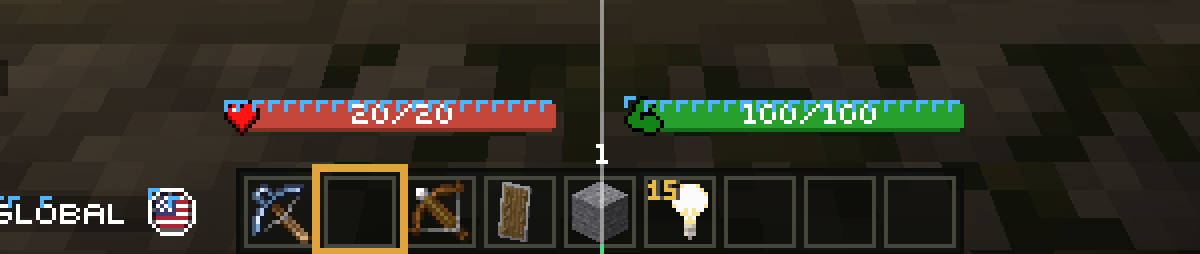
/hudopens the hub's HUD section: each element's parts (the root text, then each child, the way HUD plugins compose a line), where each part starts and ends, and the part that doesn't come back to where it started./hud guides [element]draws guides over one element: the screen's center, where each part starts and where it leaves the cursor (in red when it doesn't come back), and the left edge of each glyph.
For the AI and outside agents
| Tool | Does |
|---|---|
ui_capture |
An element's layout: parts, glyphs by texture with their real advance and position, the problems found, and a zoomed image |
ui_watch |
Watches an element for a few seconds and reports every glyph that moved, and the part whose text changed; it can run a command to trigger the change |
ui_measure |
The same report for a text you give (a text component's JSON, or text with a font), without showing it |
ui_glyphs |
The glyphs the loaded resource packs declare, by font: character, texture, height, ascent, advance |
ui_check_widths |
Checks the widths your server declares (glyph definitions, a font width table) against what the client draws |
Tip
A part that leaves the cursor off moves everything after it, and a centered line moves by half its width change.
ui_capture names both.