World tools
With the plugin and FastAsyncWorldEdit, the AI can read and edit
the world. It looks before it builds, works in steps, checks its work the way a player would walk it, and every change
can be undone. Without FastAsyncWorldEdit these tools are off (/foreman status says so), and so are the areas,
overlays and furniture that go with them.
| Tools | |
|---|---|
| Looking | get_context (players, selections, areas, the world's profile, limits), scan_area, read_blocks, find_blocks, render (top, iso, plan, slope views), look (first person, textured) |
| Editing | edit (block operations: fills, shapes, roofs, doors, stairs, weathering, plants, trees…, all undone together), transform_region (move or copy, rotated) |
| Terrain | make_ground, grade, foundation, blend_terrain, smooth_terrain, make_fields, build_path (walkable roads over the relief) |
| Buildings | build_structure (a whole building from templates), demolish (puts the land back), list_styles |
| Library | list_assets, preview_asset, paste_asset, scatter_assets, save_asset (schematic library) |
| Checking | check, measure_site, repair_terrain, connect_doors |
| Context | set_mark, claim, world_profile, points (world context) |
| Undo | undo reverts AI changes, furniture included; /foreman undo [count] does too |
check
check walks an area like a player and reports, with coordinates: unreachable rooms, seats and containers, steps that
need a jump, blocked doors, wrong double-door hinges, furniture in front of doors or inside walls, sunk or floating
builds, cliffs, steep or broken roads, floating blocks and overlapping claims. The client draws what it found as the
Check issues overlay.
Watching the AI
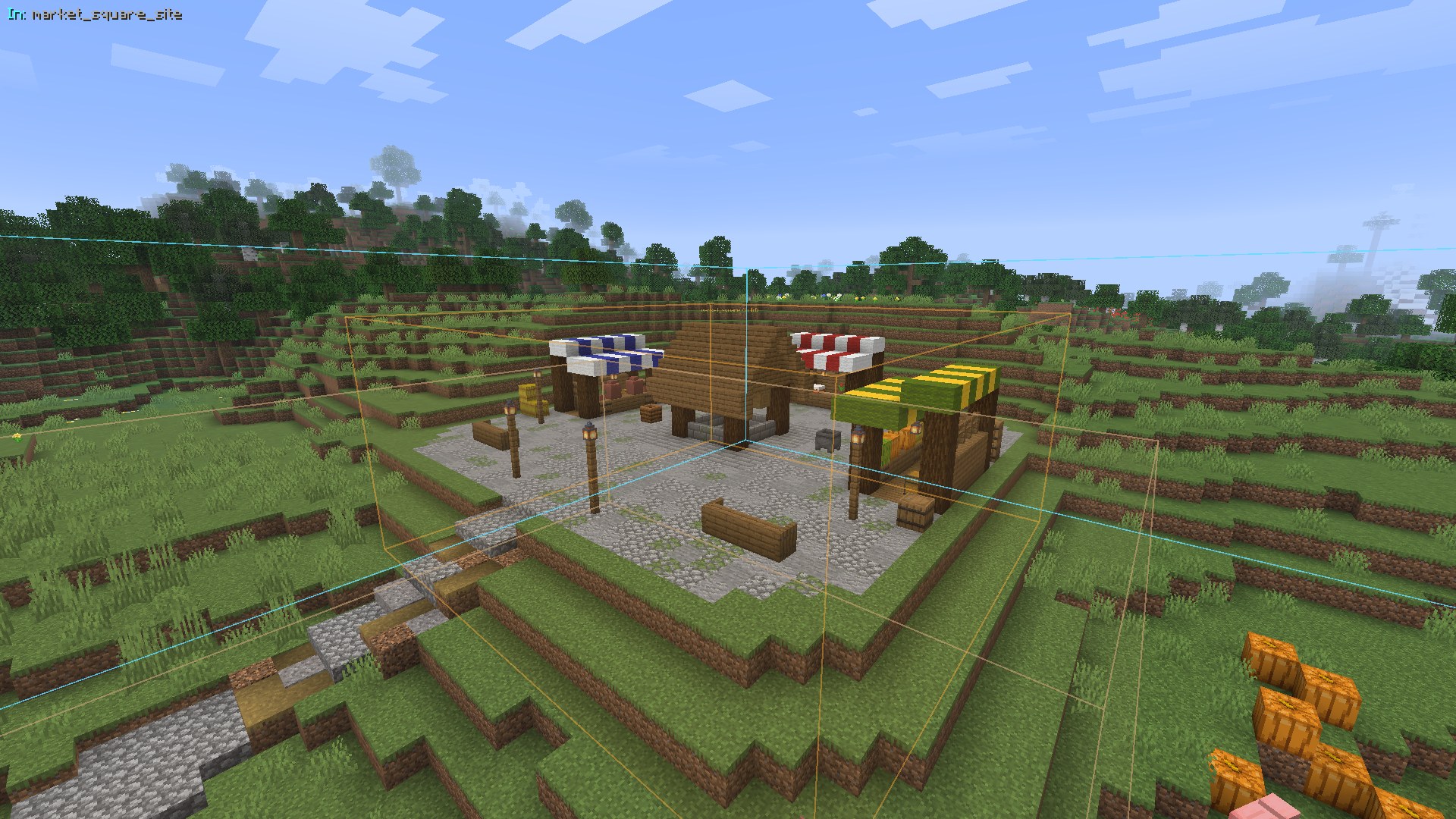
Ops with foreman.watch see each change in chat (the tool, who asked, how long it took). The client draws the box the
AI just changed as the Last AI change overlay.
Furniture
Foreman has no furniture of its own. A furniture plugin can provide it by registering a
FurnitureProvider: the AI then gets list_furniture, place_furniture and
remove_furniture, and generated buildings are furnished with it. Notes in catalog/furniture.yml are shown to the
AI next to each furniture id.
Limits
limits in config.yml caps the blocks one call may edit, read or render; get_context tells the AI, which splits
large edits.
A market square built from one prompt, with the overlays of the AI's changes (the run).
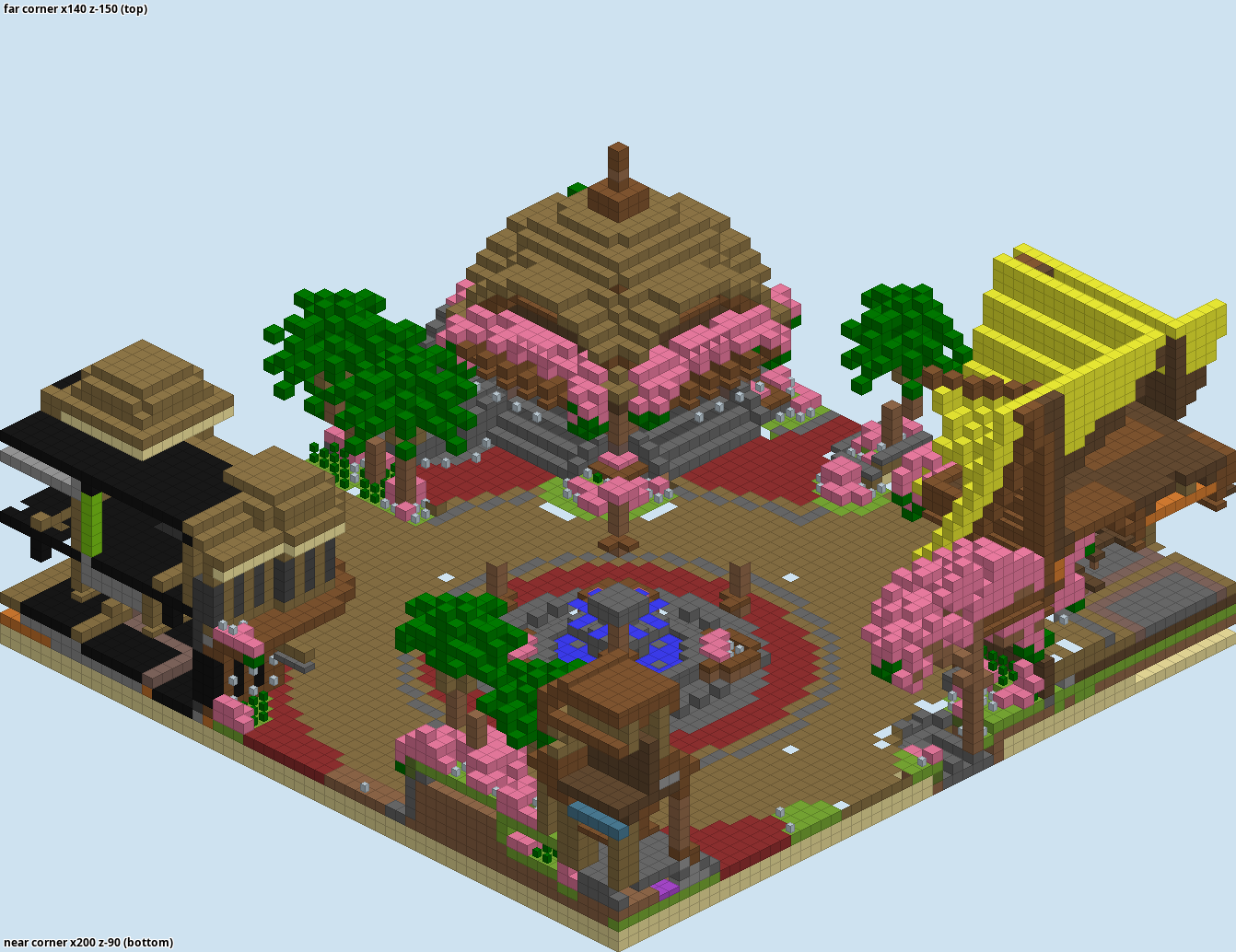
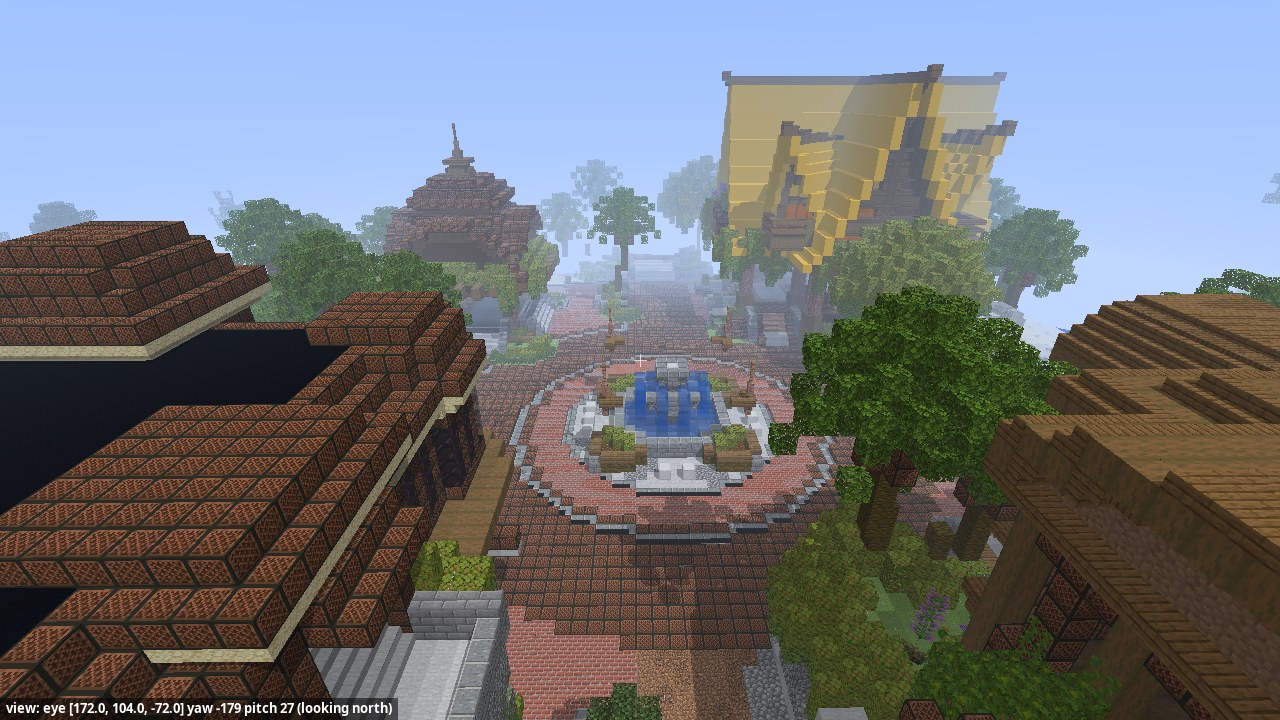
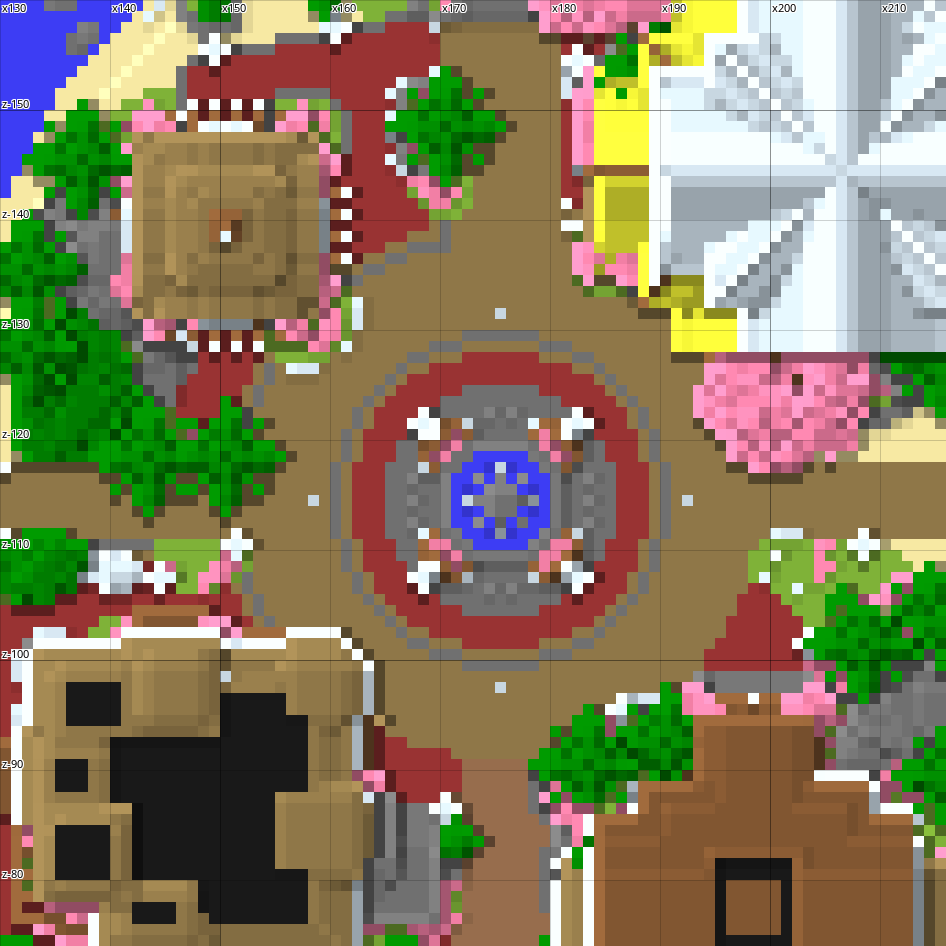
The AI sees what it builds without a game client: render draws the blocks of a box from above, in plan or in
isometric views, look draws a first-person view with the game's textures.