Selection
Your selection
A box in the world, for the AI or your own commands. Press B (or use the hub's Selection section), then left click and right click the two corners, and drag the gizmo to adjust it.
The AI chats are told about it and about the WorldEdit selection: "here", "this" and "the selection" mean them. The
hub's Ask a chat button, or the Ask the AI about the selection key (unbound by default), starts a chat about the
selected area. /ai selection clear clears it.
The WorldEdit selection
On a server with WorldEdit or FastAsyncWorldEdit, the mod shows your WorldEdit selection in the world, whatever its shape: cuboid, sphere, ellipsoid, cylinder, polygon, convex. It's what WorldEdit tells a CUI client, so it works without the Foreman plugin. Turn it off in the hub's World → Selection (Show the WorldEdit selection in the world).
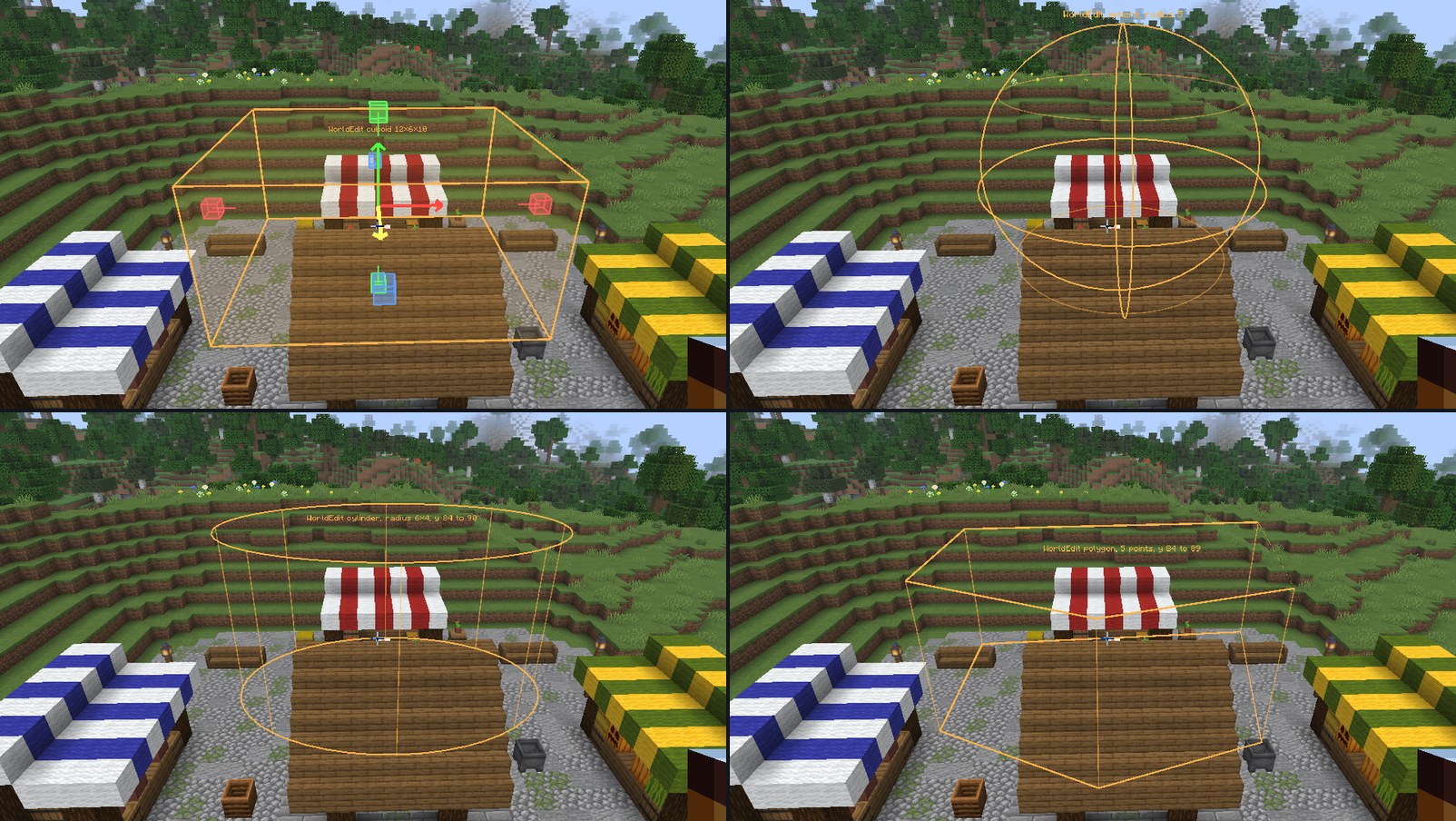
The WorldEdit tool (hub's Selection section, or its key, unbound by default) edits it:
- Left / right click a block for
//pos1///pos2, however far the block is. What they mean depends on the selector, as with the wand: two corners, a center and a radius, the points of a polygon. - Drag an arrow to move the selection (
//shift), a knob to resize it. A sphere, an ellipsoid or a cylinder grows on both sides of its center; a polygon or a convex shape is stretched. The mod selects it again with the commands that make it, paced so the server's spam check never kicks you.
Off when the WorldEdit CUI mod (or WorldEdit itself) is installed: it draws the selection then.